Send the basics
Tell us what you do, where you work, who you help, and where customers should go next.
For local service businesses
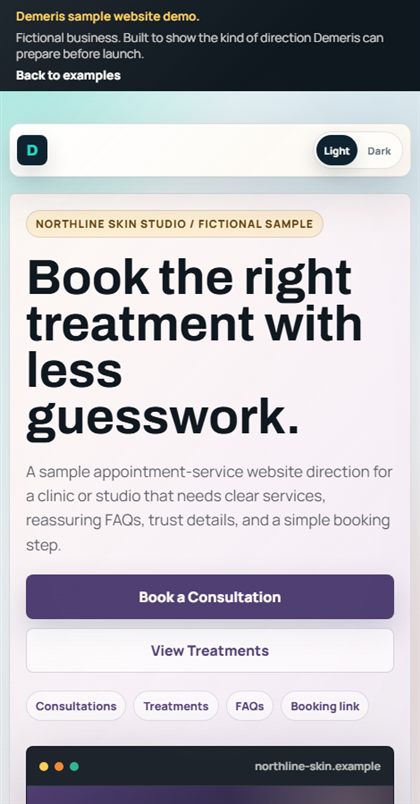
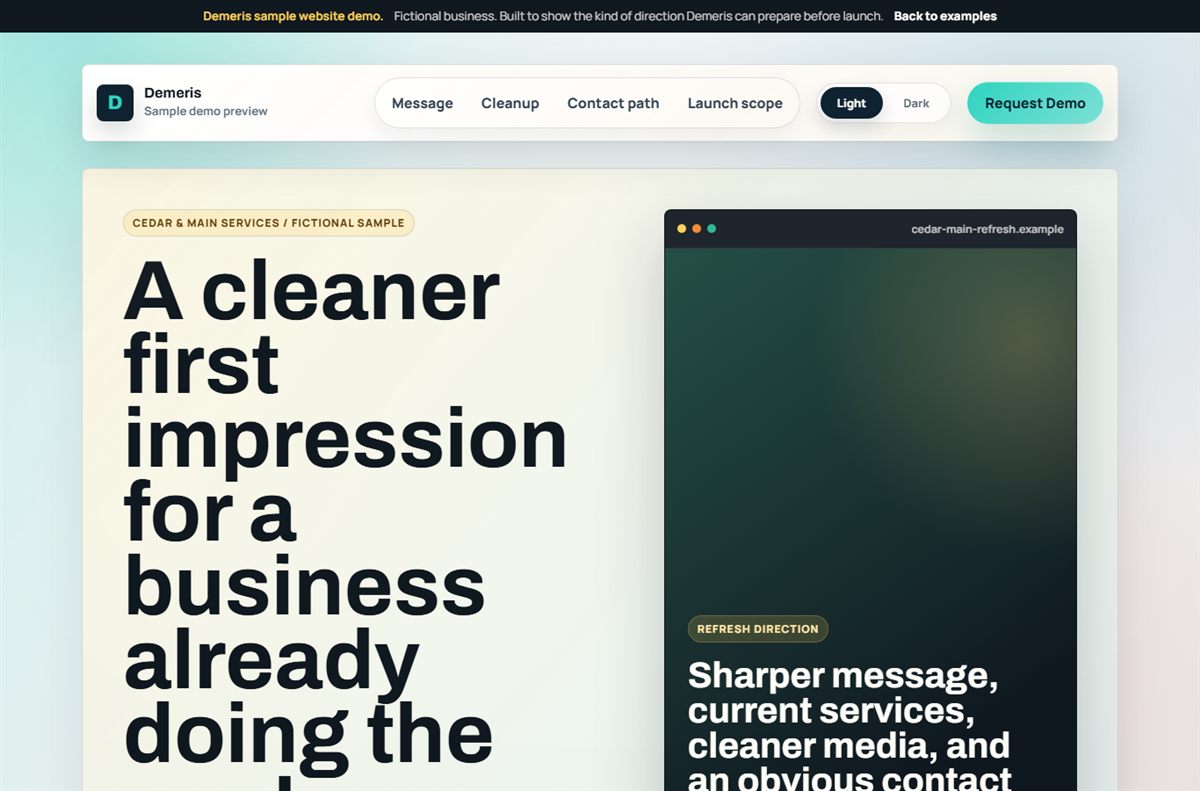
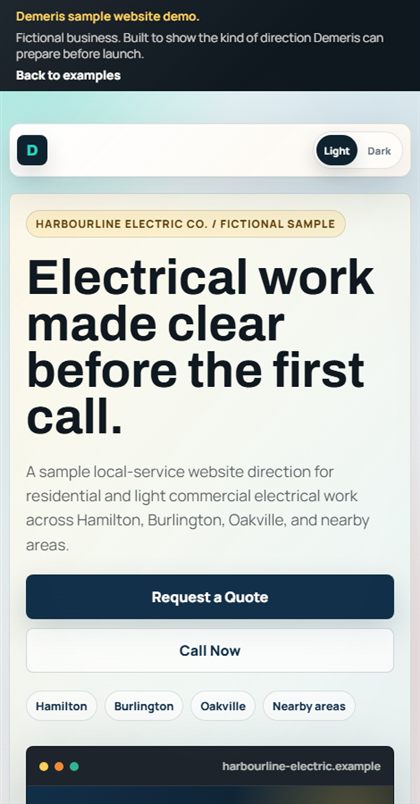
Send your business details. We prepare a working website demo with your services, trust signals, and contact step. You decide whether it is worth launching.
Click through what a prospect would review before launch.
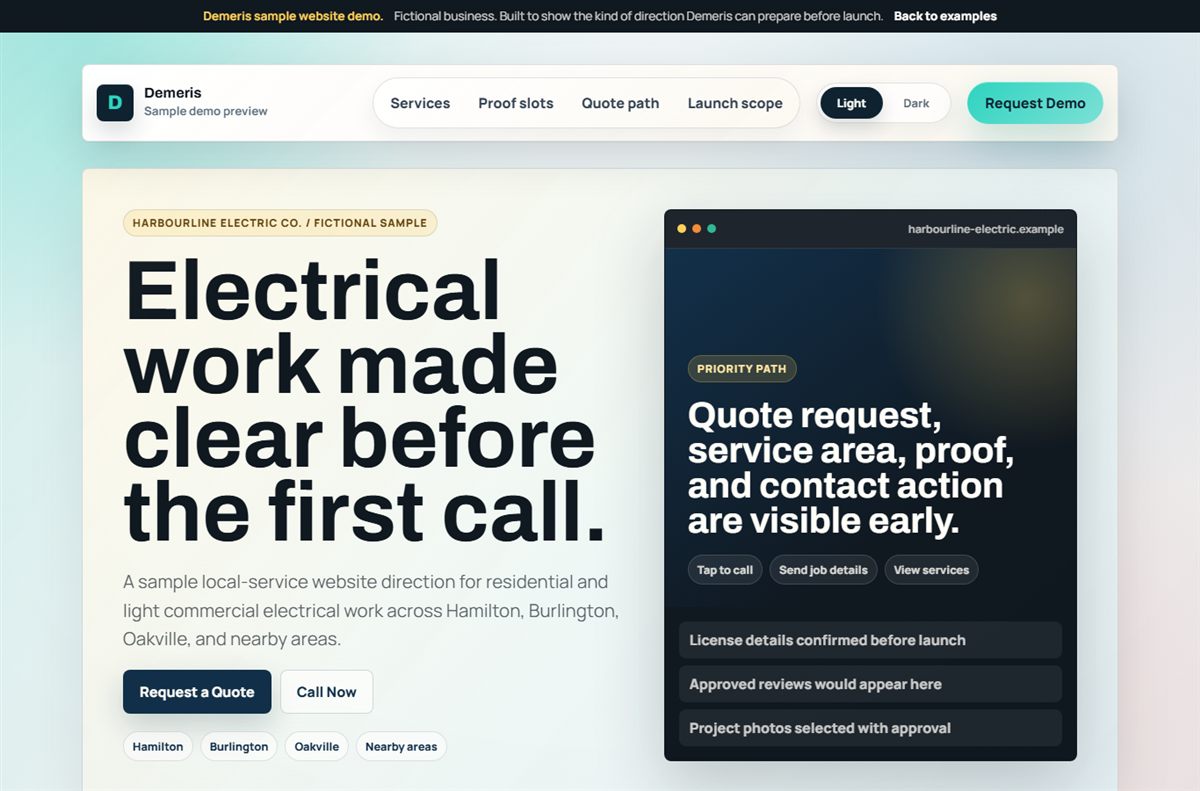 Open sample
How it works
Tell us what you do, where you work, who you help, and where customers should go next.
You get a working direction for the homepage, customer path, proof, and contact step.
If the direction is useful, we customize the details and prepare the site for your domain.
The process page explains the review step, launch checks, handoff, and ongoing support path.
What you get
Built for trades, clinics, contractors, restaurants, local teams, and other small businesses that need customers to trust them and take the next step.
What you do, where you serve, and how customers should contact you.
Reviews, licenses, photos, credentials, service details, or other real proof you already have.
The phone view is planned around calling, booking, requesting a quote, or sending an inquiry.
Metadata, contact details, hosting setup, domain connection, and practical small-update support.
Pricing stays simple on the homepage. The details page explains what is included, excluded, and usually handled later.
Price and fit
The base covers a clean launch direction from ready business details. Extra features are priced from what the demo shows needs to be built, with most initial launches landing around $500-$1,000.
Base build plus selected features. You see the website demo first, then the final launch price is confirmed from the actual form, proof, media, booking, and cleanup work.
Built from the Golden Horseshoe
Demeris is built around practical small-business websites: trades, clinics, restaurants, contractors, repair services, local teams, and service businesses where one better inquiry can matter.
The demo request is the low-risk step. If the direction is useful, the launch scope is finalized. If it is not, you can walk away or ask for a clearer next direction before deciding.
Start here
Send the basics. We will use your real details to prepare the first direction.
Request Website Demo